初始化安装
发布于: 2025-10-19
更新于: 2025-10-19
字数: 0
时长: 0 分钟
阅读量: ∞
基础环境
- Node.js 18 及以上版本。
本教程使用npm方式安装。
安装过程
安装vitepress
shell
npm add -D vitepress建议安装稳定版本,beta版本会有插件不适用的情况
初始化
shell
npx vitepress init┌ Welcome to VitePress! │ ◇ Where should VitePress initialize the config? │ ./docs │ ◇ Site title: │ My Awesome Project │ ◇ Site description: │ A VitePress Site │ ◇ Theme: │ Default Theme + Customization │ ◇ Use TypeScript for config and theme files? │ No │ ◇ Add VitePress npm scripts to package.json? │ Yes │ └ Done! Now run npm run docs:dev and start writing.
Tips:
- Since you've chosen to customize the theme, you should also explicitly install vue as a dev dependency.
NOTE
此处提示安装vue,便于后面进行主题的自定义
安装vue
shell
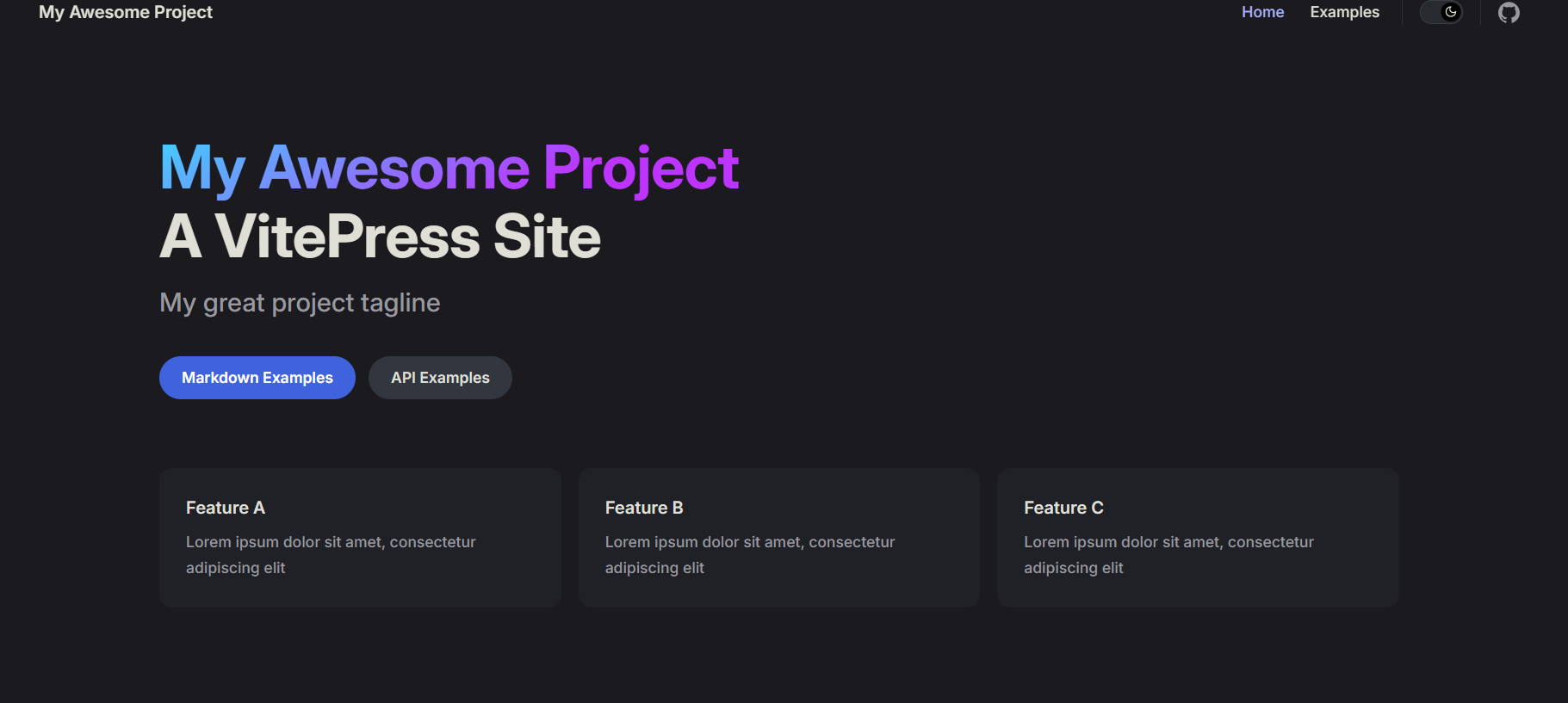
npm add -D vue本地运行,点击o键,在浏览器查看。
shell
npm run docs:dev